What you get
The screens, before you write any.
Every one of these is in the template on the first run, rendered against a seeded demo tenant. They are captured by a script, not curated by hand, so they cannot flatter the product.
01 — The app
Signed-in surface
Dashboard, the reference CRUD feature, tenant administration, billing and account — the parts you would otherwise build before writing anything of your own.
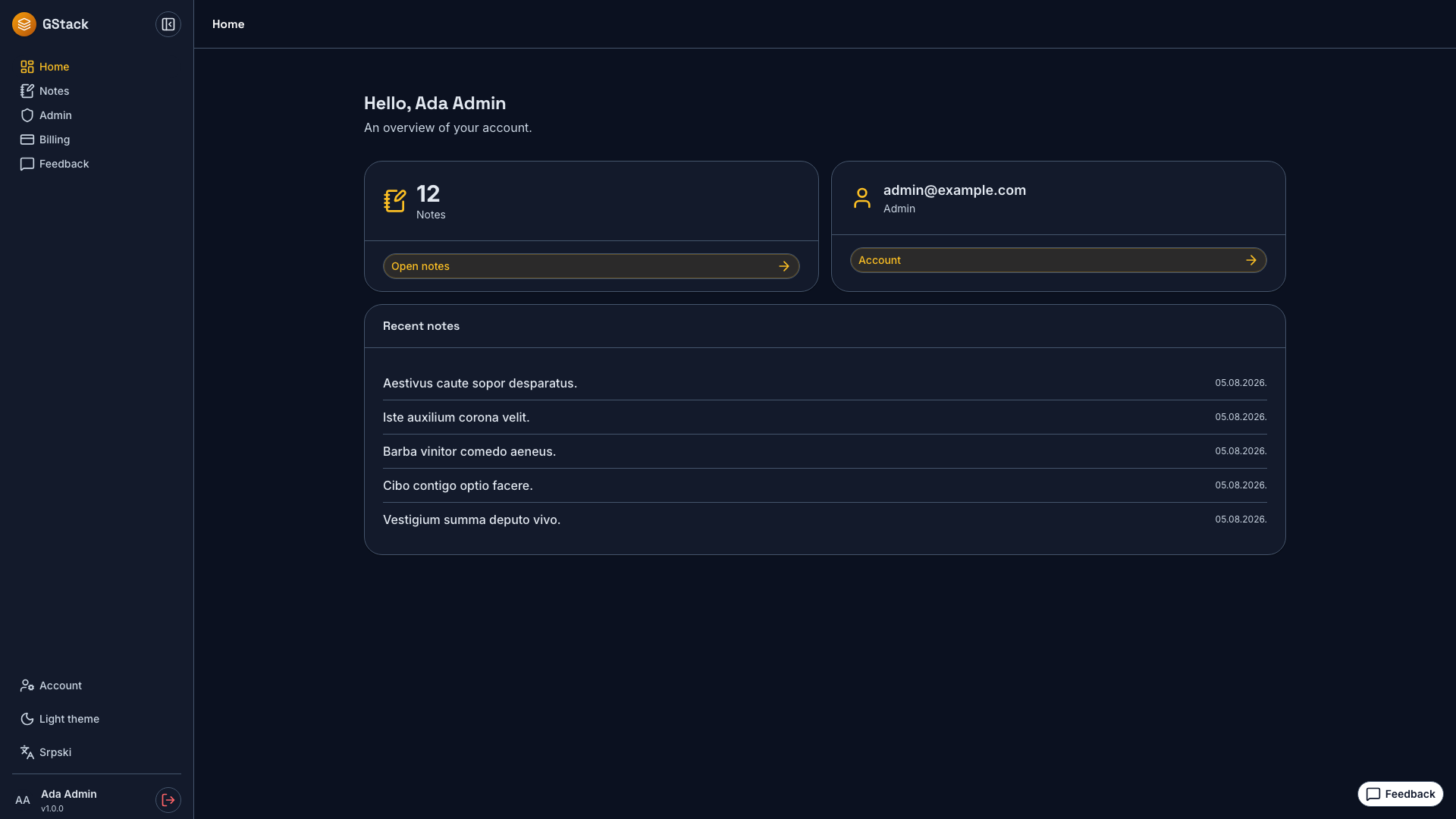
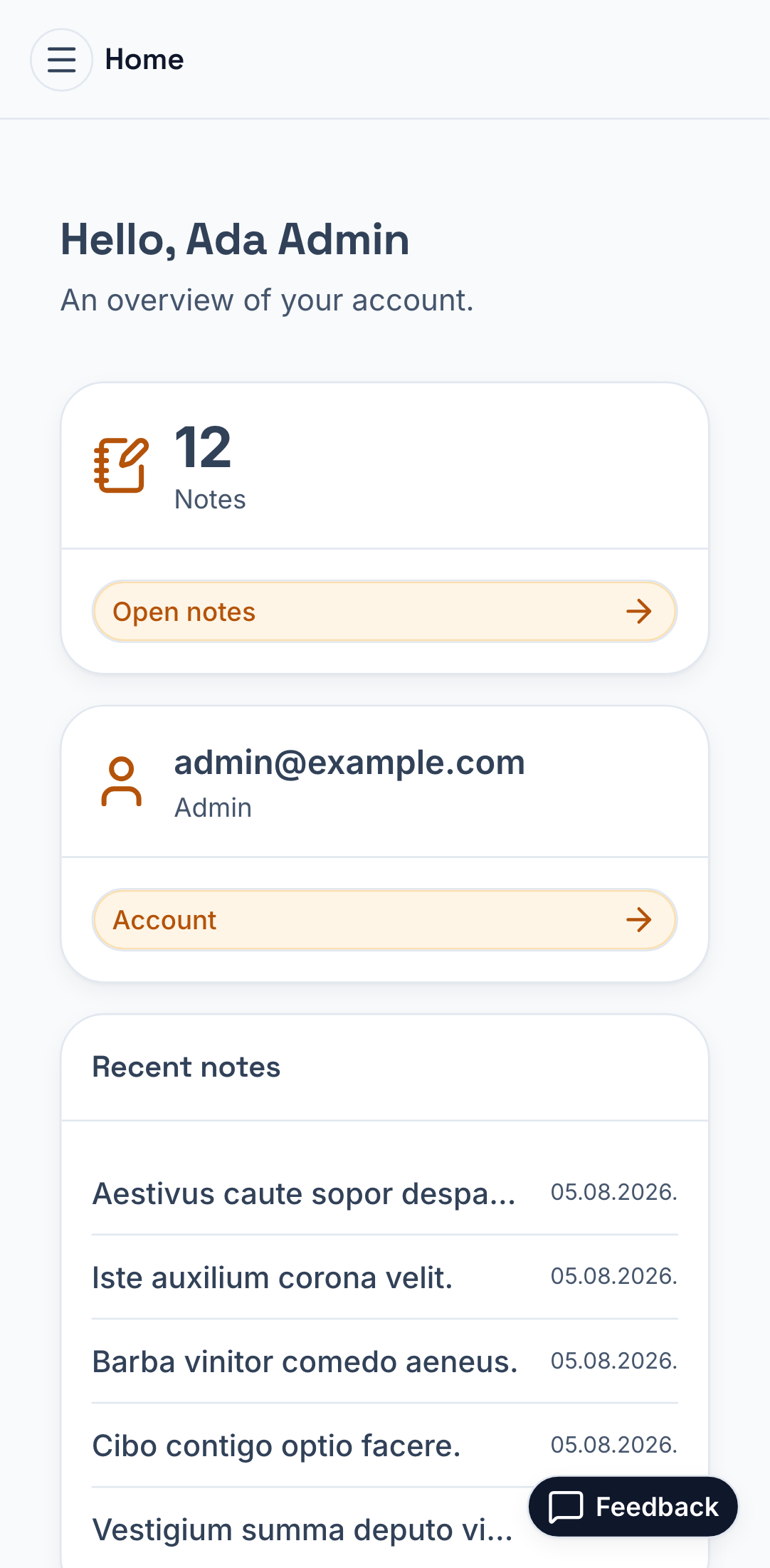
Dashboard
Recent notes, counts, and the shell every signed-in page sits in.
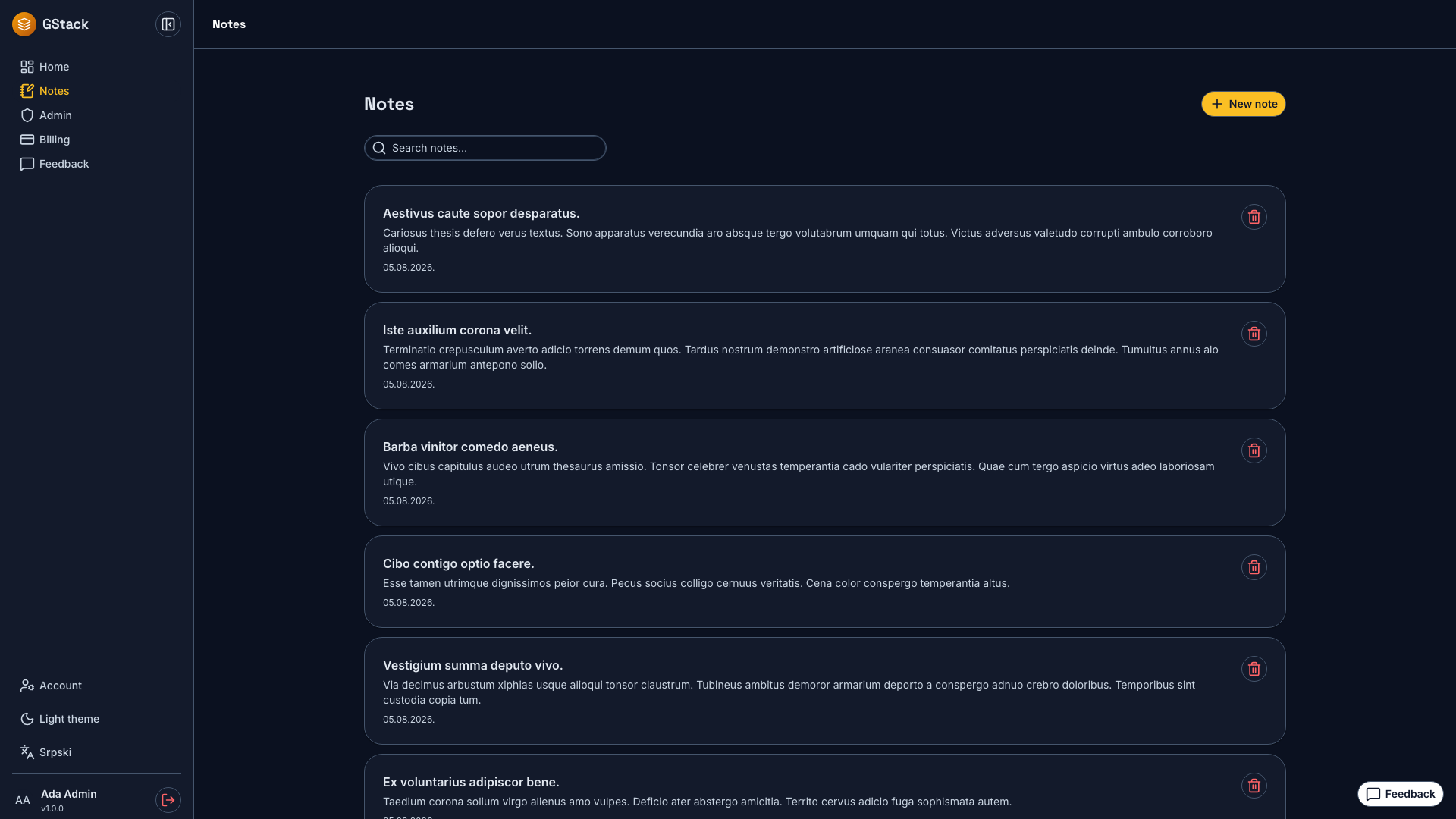
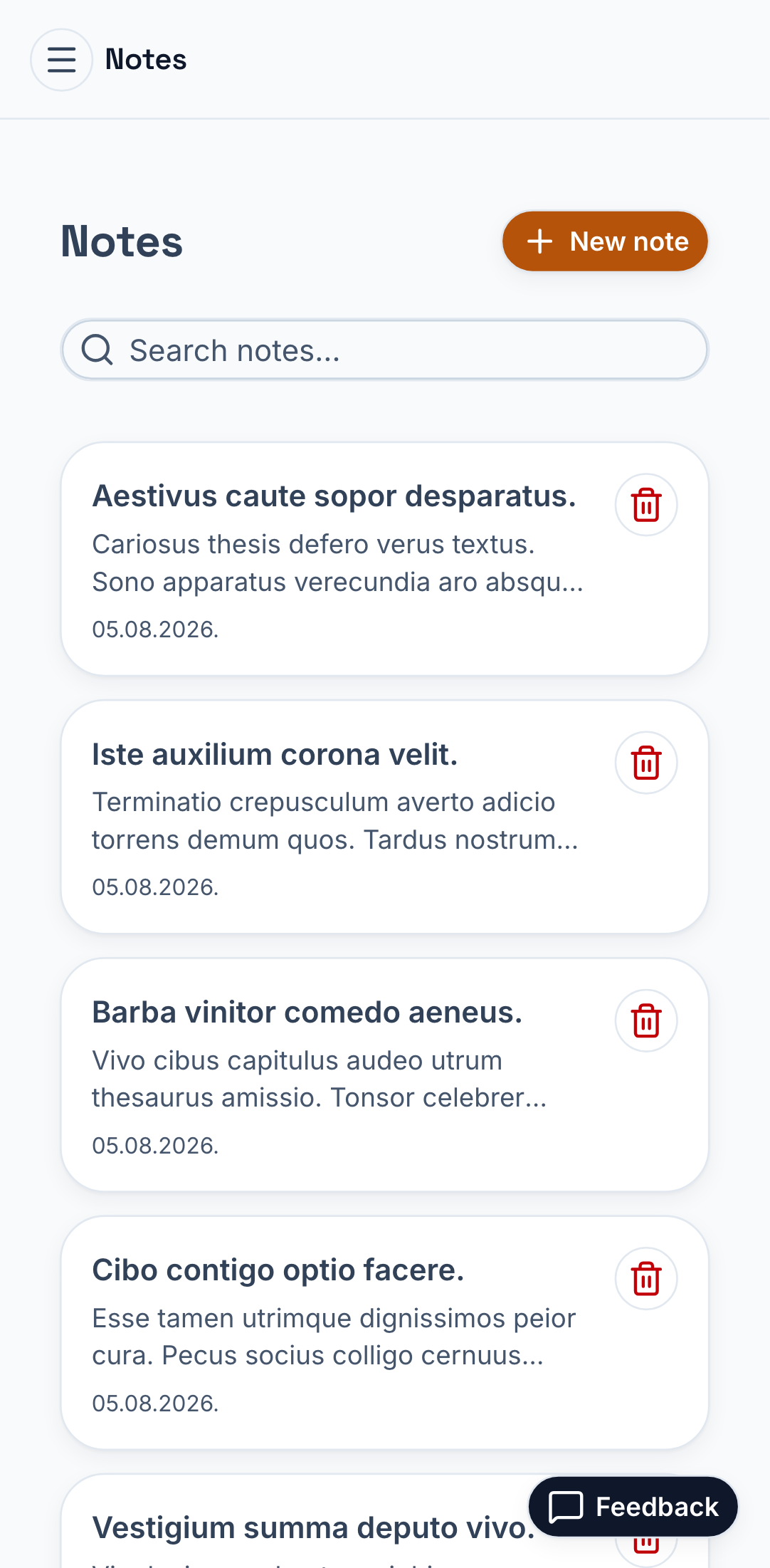
Notes — the reference CRUD
Search, create, edit, delete. No tenant filter in the query; RLS did it.
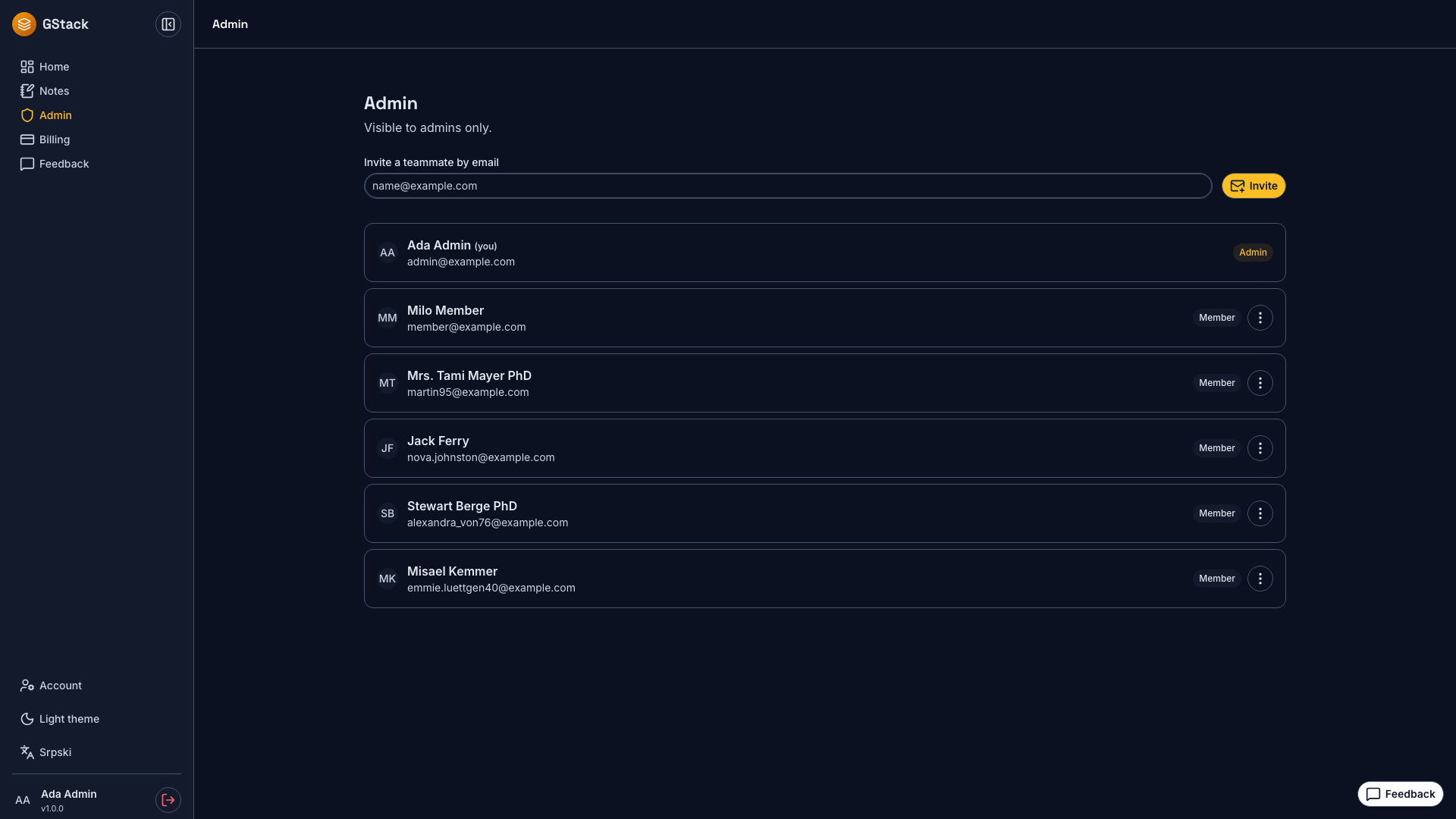
Tenant admin
Member table with role changes, invites, ban and impersonate.
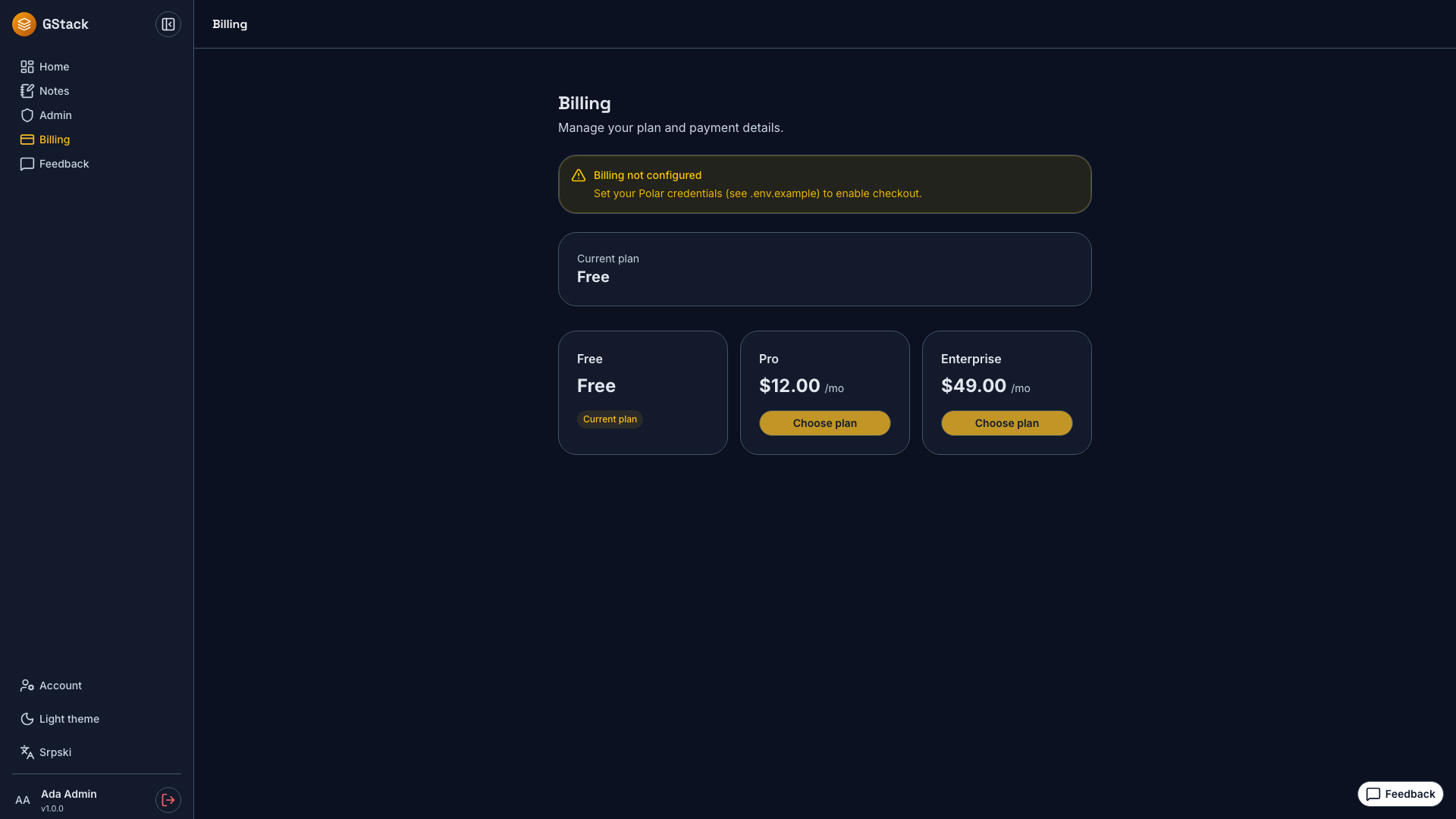
Billing
Plan state, checkout and the customer portal, behind one flag.
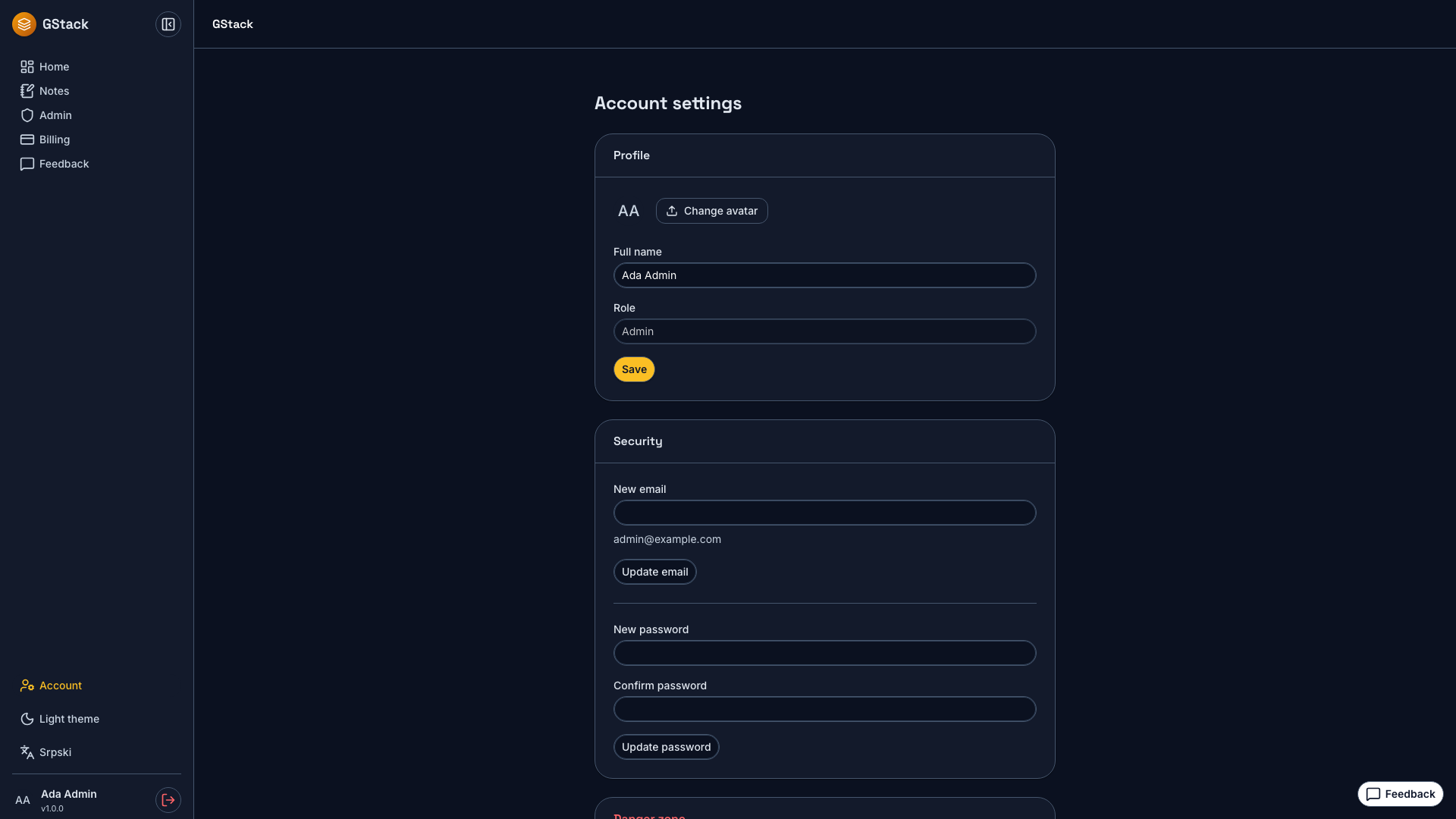
Account
Avatar upload to Supabase Storage, email change, self-serve deletion.
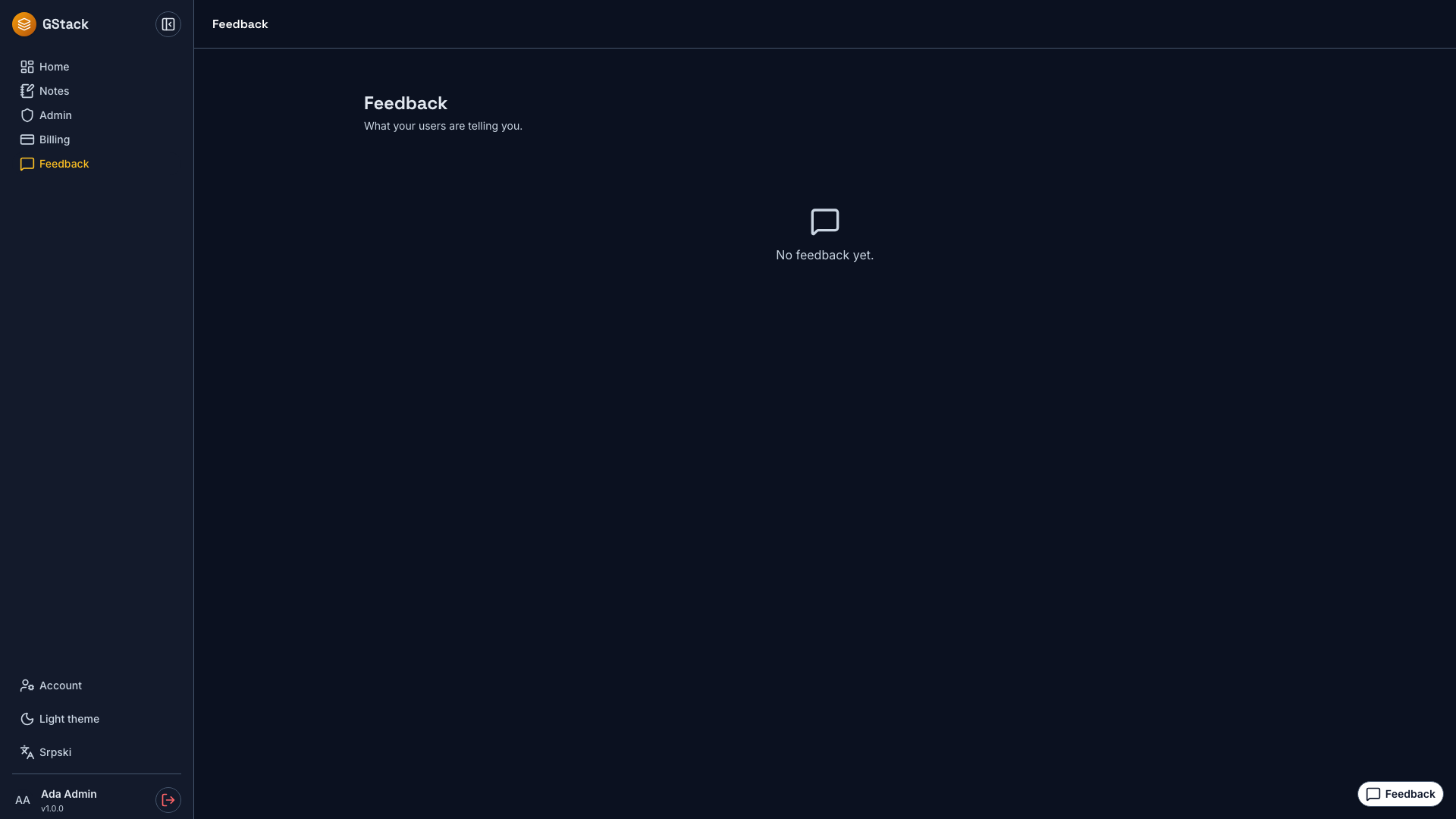
Feedback
Self-hosted widget writing to your own RLS-scoped table.
02 — Public and mobile
The rest of it
Marketing and pricing pages, the feedback widget, and the same screens on a phone. Both themes are tested for contrast, not just drawn.
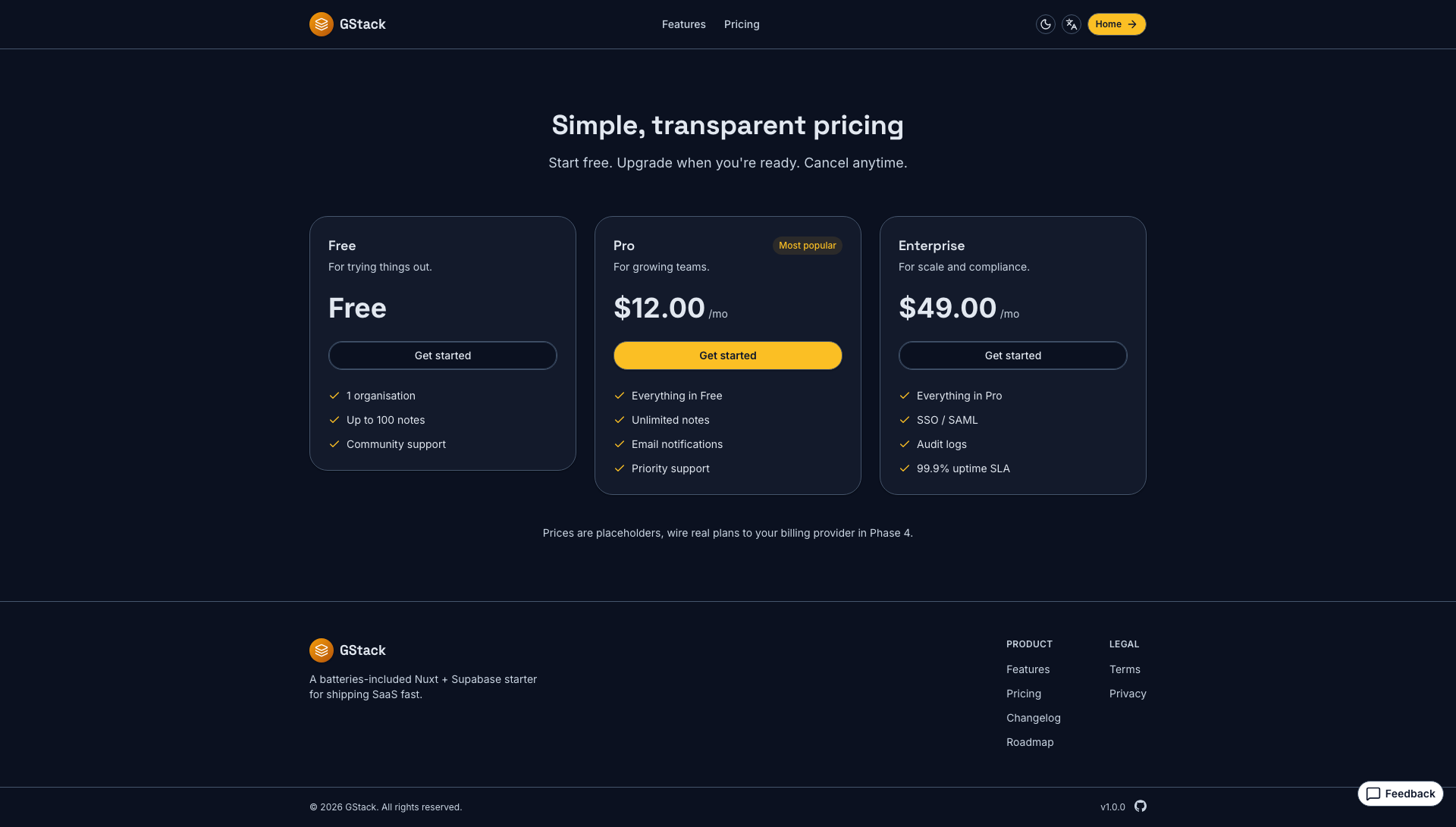
Pricing
Data-driven from app/utils/plans.ts — the plan id is the billing seam.
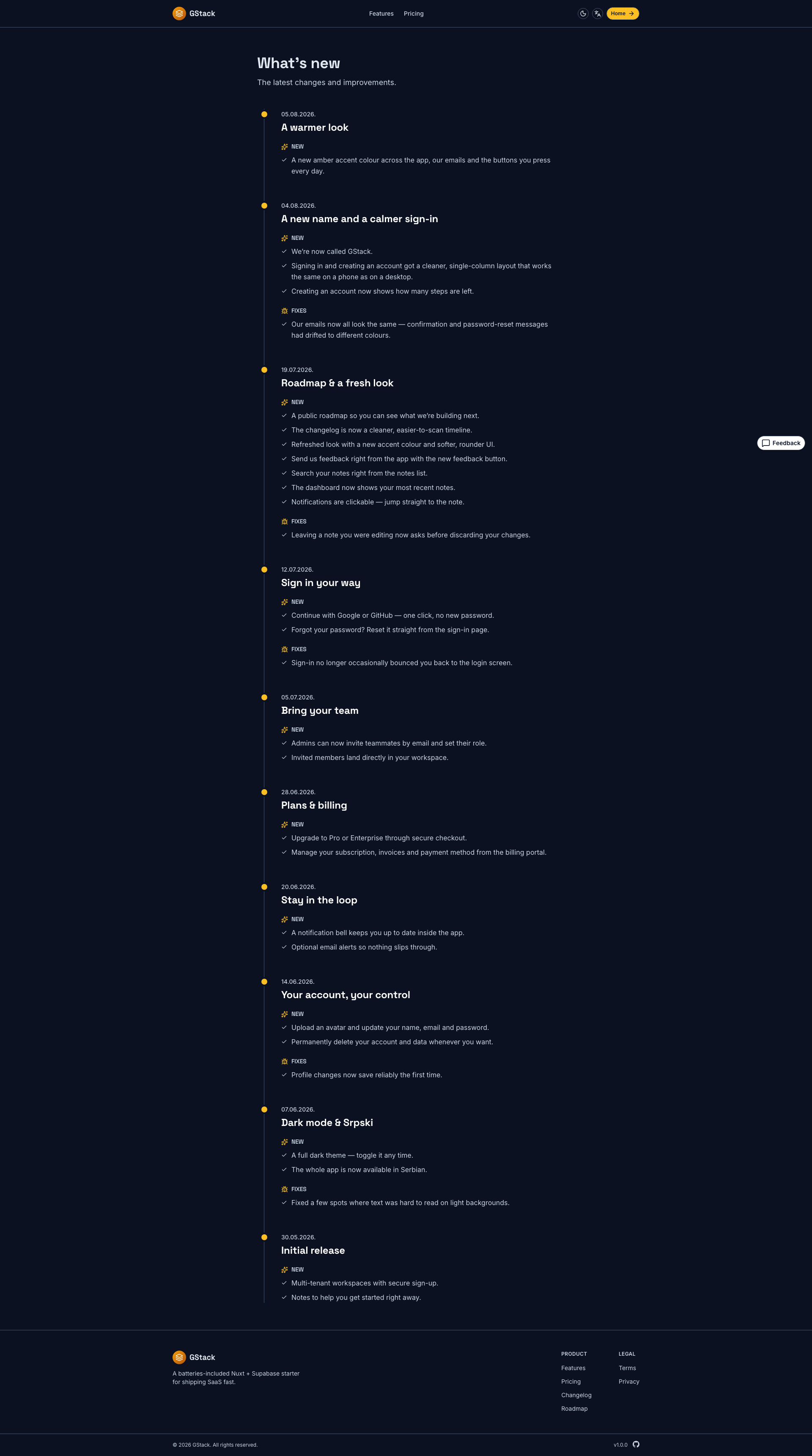
Changelog
The user-facing feed, separate from the release-please one.
These are captured, not curated.
pnpm screenshots drives every route in both themes plus a mobile pass. Regenerating is one command.